
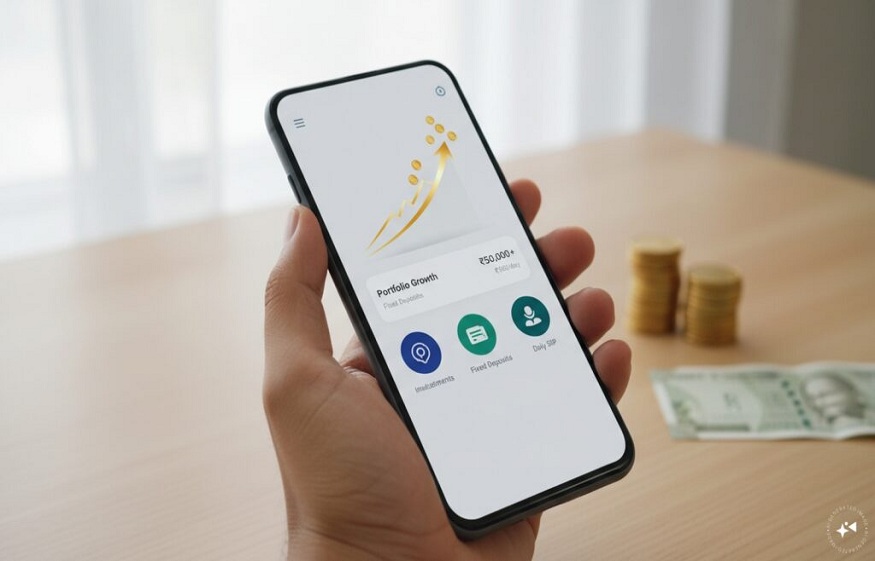
How to Book an FD on an FD Mobile App in 5 Minutes
You can book an FD on an FD mobile app in about five minutes. Register with your mobile number, complete one-time digital KYC with your PAN and Aadhaar, pick a deposit by rate and tenure, choose a payout option, add a nominee and pay through net banking or UPI.
What is an FD mobile app?
An FD mobile app is a phone application that lets you compare, book and track fixed deposits without visiting a branch.
Many such apps list deposits from several RBI-regulated banks and NBFCs, often without needing a new savings account with the issuer.
How do you book an FD on an FD mobile app step by step?
You book an FD in six short steps. Keep your PAN, Aadhaar-linked mobile and net banking or UPI ready.
- Sign up: Register with your mobile number and verify it with an OTP.
- Complete KYC: Enter your PAN and finish Aadhaar-based or video KYC. You do this only once.
- Choose your FD: Filter by interest rate, tenure, issuer type and senior citizen rates.
- Pick a payout option: Choose cumulative or non-cumulative interest.
- Add a nominee and pay: Name a nominee and pay using net banking or UPI from your own bank account.
- Track your deposit: Your FD receipt appears in the app.
Cumulative or non-cumulative: which payout should you choose?
Choose cumulative if you want maximum growth, and non-cumulative if you need regular income.
| Payout type | How interest works | Best for |
|---|---|---|
| Cumulative | Added back to the deposit and paid at maturity | Long-term goals and wealth building |
| Non-cumulative | Paid monthly, quarterly or yearly | Retirees and anyone needing steady cash flow |
A professional saving for a car may prefer cumulative; a retired parent may prefer monthly payouts.
What good habits should FD investors follow?
Good FD habits protect your money and avoid tax surprises.
- Submit Form 15G or 15H if you are eligible and want to avoid TDS on interest, under current rules. Check eligibility before filing.
- Stay within the insurance limit: DICGC covers bank deposits up to ₹5 lakh per depositor per bank.
- Set renewal preferences so your money does not sit idle after maturity.
Key Takeaways
- An FD mobile app lets you book a fixed deposit in minutes.
- KYC is done once and reused for future deposits on the same platform.
- Pick cumulative for growth and non-cumulative for regular income.
- Keep bank deposits within the ₹5 lakh DICGC limit per bank.
Frequently Asked Questions
Is it safe to book an FD through a mobile app?
Yes, booking through a trusted app is generally safe when the deposit is issued by an RBI-regulated bank or NBFC. Your money goes to the issuer, not the app. Check the issuer’s name, credit rating and the app’s security features first.
Read More: Working Capital Analytics vs Traditional Financial Reporting: Comparison Guide
Do I need a savings account with the bank to open an FD on an app?
Not always. Many FD platforms let you invest with an issuer without opening a separate savings account there. You pay from your existing bank account, and maturity proceeds usually return to that same account.
Can I add a nominee to an FD booked online?
Yes, most FD apps let you add a nominee during booking. Enter the nominee’s name and relationship before you pay. A nominee makes it easier for your family to claim the deposit, so never skip this step.
What is the minimum amount to open an FD on a mobile app?
The minimum amount depends on the issuer, as each bank and NBFC sets its own limit. Check the minimum deposit shown on the FD details screen in the app before you start the payment.
Read More: Why Your Smartphone Has Become Your Most Valuable Property Management Tool
Conclusion
Booking an FD on an FD mobile app takes minutes and keeps every deposit visible. The JioFinance App offers an FD marketplace with deposits from multiple banks and NBFCs. You can filter by interest rate and tenure, view tax, lock-in and withdrawal terms before investing, and book through an end-to-end digital journey. A unified dashboard tracks your active and closed FDs, returns and maturity reminders. Download the JioFinance App to book your next fixed deposit in minutes.